How to compress files, folders and drives in windows to save disk space
The data’s will be compressed by compressing the repeated data’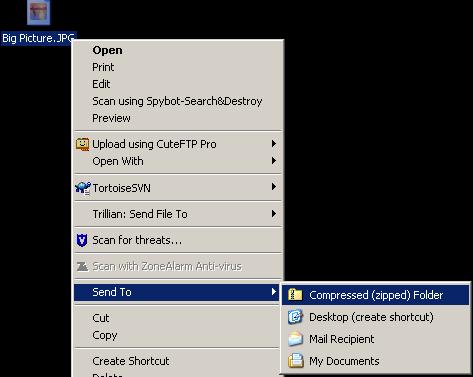 s by a set of algorithm and it will decompressed when you access it.
To compress a file or folder,
Rightclick on that file> advanced compress>Ok
To compress a drive,
Rightclick on that drive>compress>Ok
Do not compress system drive
You can compress the system drive in which your OS is installed, but it will result in booting problem. And to fix it, you have to uncompress all compressed files again. Better avoid it. It also affects the system performance too!