To Fix : Computer waking up unexpectedly when it is in sleep mode
Sometimes you can see your computer waking up suddenly when it is in sleep mode to save power. It may mess you many time. It may be due to your any new hardware connected to it recently or by USB flash drivers which wakes your computer unexpectedly. To avoid that, all the drivers must be updated to its latest versions.
You can prevent a device to wake up your system,
Go to control panel – device manager – select the device and go its properties – power management

In power management, disable this device to wake up the computer.
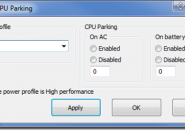
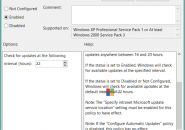
Sometimes your computer can wake up due to any program task schedules. To prevent any programs to wake up the system,
Go to control panel – power options – change plan settings – advanced settings
In advanced setting, disable wake timer when it is running either in battery mode or plugged in mode.
It will help you to fix this problem.